MENUMENUCLOSECLOSE


Three.js • WebGL & Graphics Programming • WebGPU
09 Oct 2026
5 MIN READ 




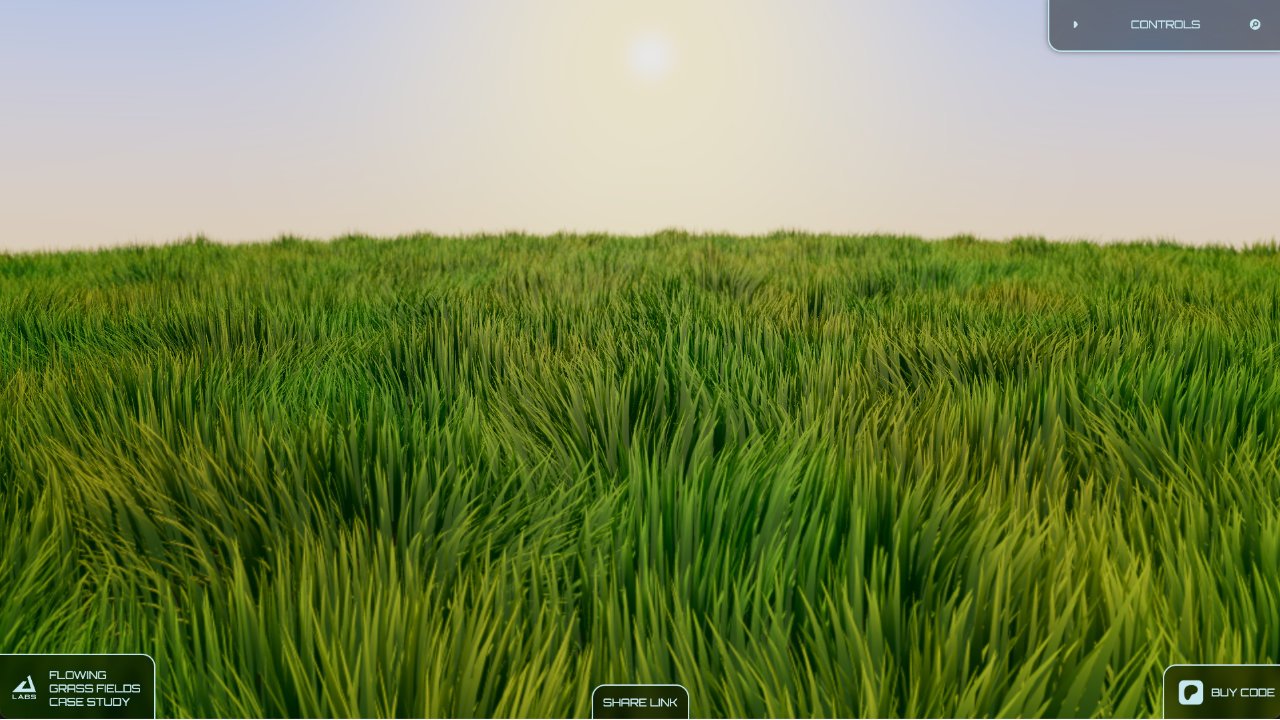
Getting procedural grass to look good on a flat plane is one thing. Getting Three.js grass to follow an uneven terrain mesh is another.
By this point, my grass system was scaling well. Instancing, tiled rendering, culling, and LODs had made a big difference. I was still experimenting, but the goal had changed: I wanted to turn the renderer into something other developers could use in their own Three.js scenes.
Two decisions helped move it forward. First, I moved the working system from React Three Fiber to plain Three.js. Then I built a terrain height-map pipeline so the grass could follow the shape of a supported terrain mesh.
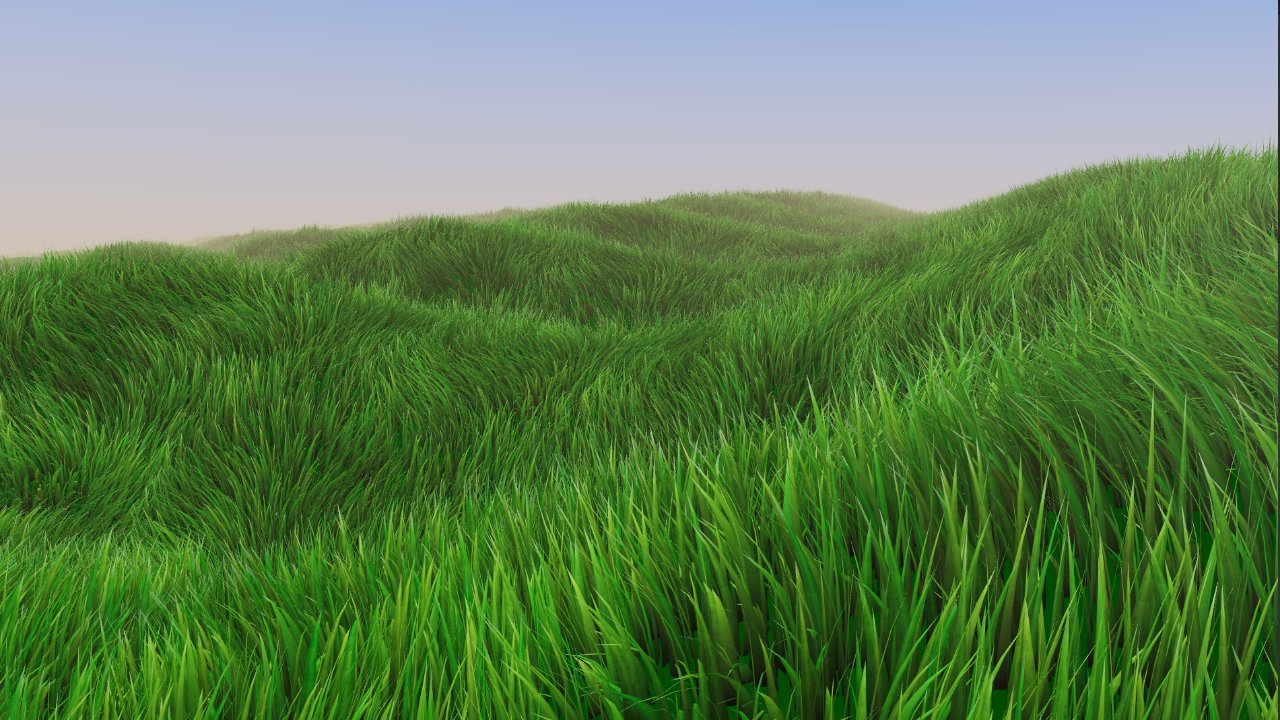
The grass was no longer limited to a flat plane. It could follow the shape of supported terrain.
There was nothing inherently wrong with React Three Fiber. Its documentation explains that it can achieve performance comparable to plain Three.js when used correctly. My reason for moving was more specific to this project.
I was working in Next.js and React Three Fiber while also building a rendering system with custom shaders, geometry generation, tiles, culling, and LODs. I had to keep track of React state and component updates alongside the rendering work. A change elsewhere in the application could trigger updates I had to investigate, and I was spending more time managing those moving parts than I wanted.
As the system grew, I knew I wanted to add more features. I wanted to experiment directly with the renderer without also having to manage the React side of the application around every change.
So I ported the complete working system to plain Three.js, including the custom shaders and rendering logic. The port itself was relatively straightforward because the underlying system was already working.
Once it was moved, I had more direct control over it, iteration felt simpler, and performance also improved in my tests. That was my experience with this project, not a claim that React Three Fiber is generally slower.
Until then, I had been placing the grass on a simple plane. That was useful for testing the renderer, but it was not enough for a reusable Three.js grass system. I wanted developers to be able to use terrain they had already created instead of having to rebuild their scene around my demo.
The terrain could be created directly in Three.js or imported from a model made in Blender or another 3D tool. I needed an approach that would work across those common workflows without requiring a different integration for every mesh.
I decided to focus on plane-based terrain: ground surfaces whose height can be described when viewed from above. That covers the kind of terrain commonly used for large real-time environments. It does not mean every possible shape is supported in the same way. A sphere or a mesh with multiple surfaces stacked above one another cannot be represented by one simple top-down height map.
The solution was to generate a height map from the terrain mesh during initialization.
Instead of asking developers to create and supply a separate height map, Grassworks takes the supported terrain mesh and captures it from above in a separate scene. From that capture, the system generates a height map and records the terrain bounds.
The bounds are important. The height map contains height information, but the system also needs to know how that image maps onto the terrain's dimensions in world space. With both pieces of information available, the grass shader can sample the appropriate height and place the grass at the matching position instead of treating the ground as flat.
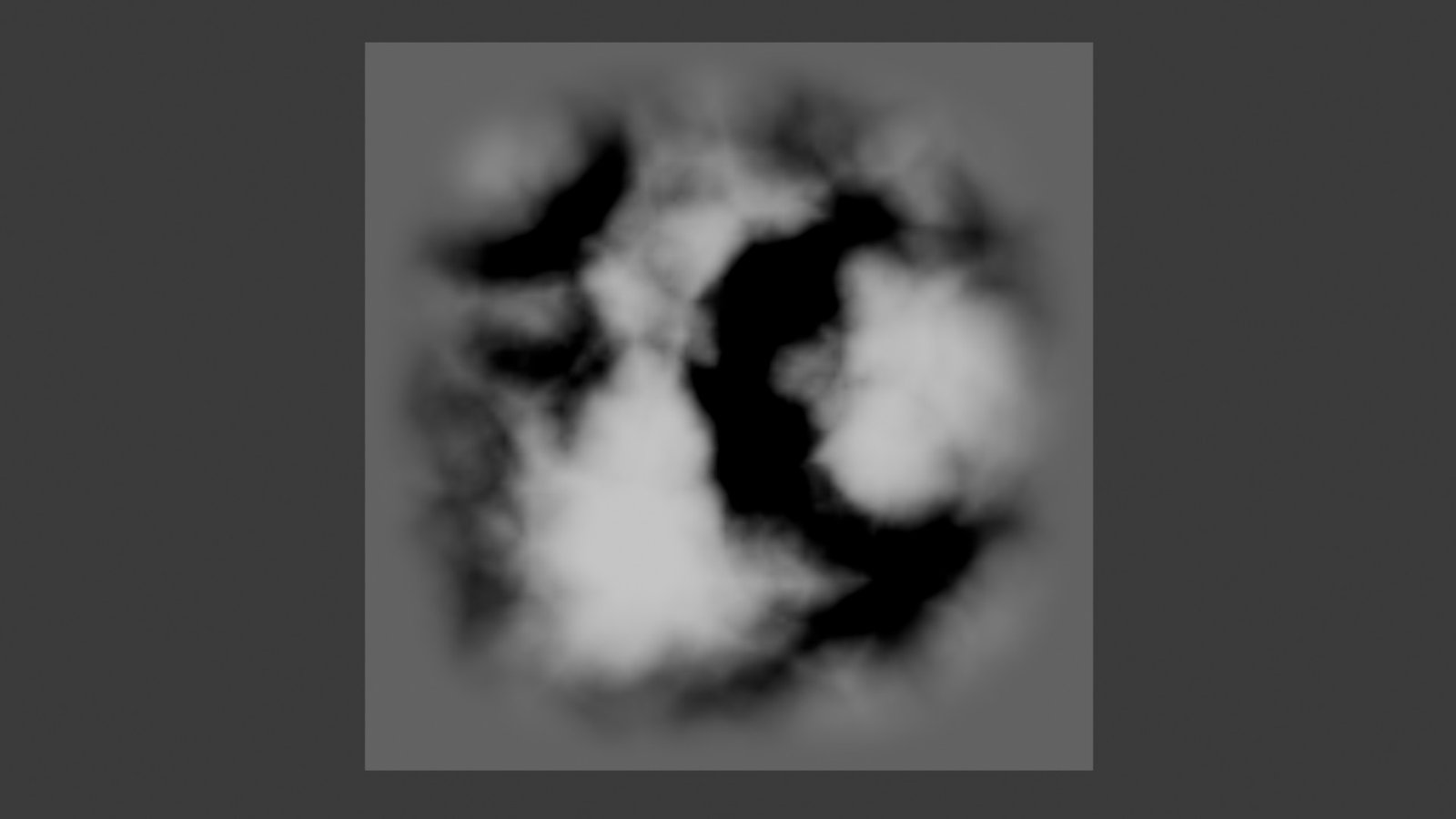
The height map provides terrain-height information. The terrain bounds map that information back to the terrain in world space.
The useful part was that this did not require me to throw away the tiled rendering architecture. The same tile system, distance and frustum culling, and LODs could keep working. The height map supplied the missing terrain information, while the existing systems continued to handle where the grass was rendered.
I tested the approach with several meshes created directly in Three.js. I also used the TXA Landscape add-on for Blender to generate different terrain shapes, then brought those meshes into Three.js and tested them with the grass system.
The grass followed the terrain as expected, without needing a custom placement system for each test. The practical requirement was that the supplied mesh represented supported, plane-based terrain and was in its final position and scale before the capture happened.
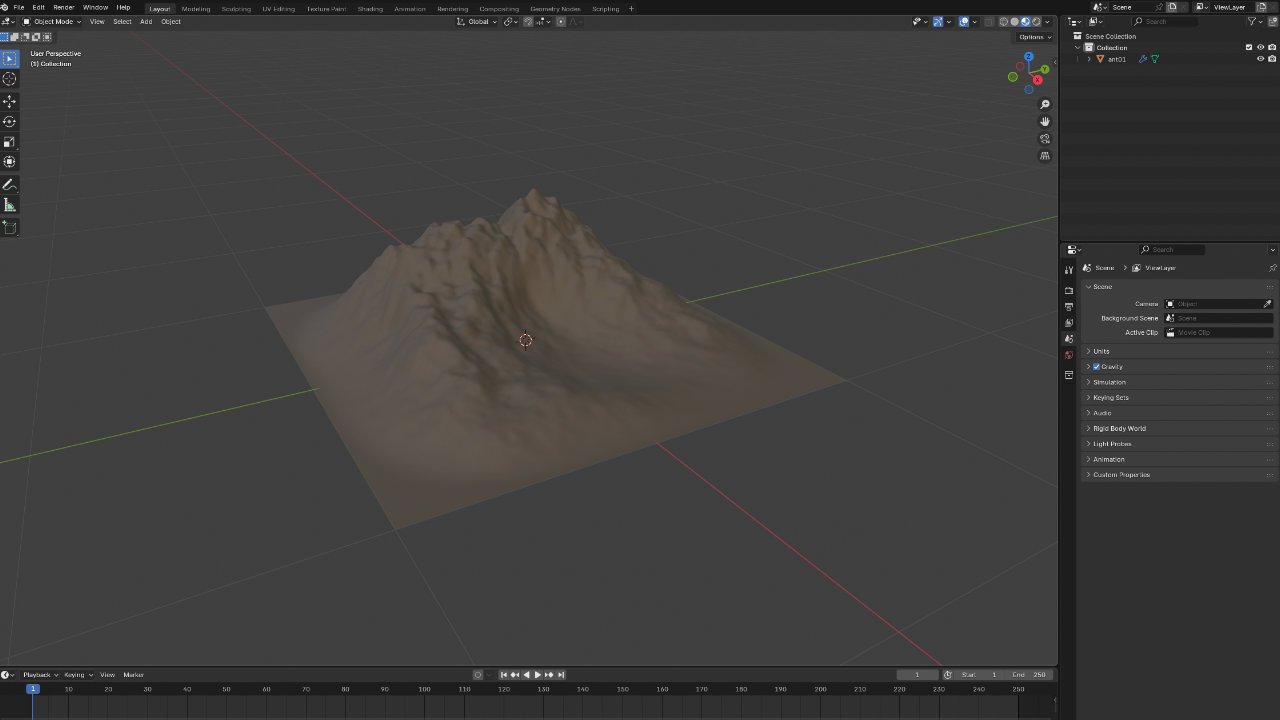
I tested the height-map approach with different terrain shapes generated in Blender using TXA Landscape.
I did run into one issue with fog. When the height-map capture was affected by the fog in the main scene, the captured data was no longer reliable.
I fixed this by separating the capture from the main scene, so the terrain could be captured without the scene's fog interfering with the result.
That made the setup much more predictable: provide a supported terrain mesh, generate its height map and bounds, and pass that information to the grass shader.
The height-map approach solved the terrain problem, but it also turned out to be useful for other parts of the system. I ended up using the same general idea elsewhere, including for interaction. I'll cover that in a later part of the series.
This was the kind of change I wanted to make as the project grew: solve a specific problem, but do it in a way that could become part of a reusable system rather than a one-off solution for a single scene.
The terrain pipeline became part of Three.js Grassworks. When the system initializes, it can capture a supported terrain mesh, generate the height map and bounds, and use them to place grass across the surface. The aim was to let developers work with their own terrain instead of having to build this entire pipeline themselves.
Moving to plain Three.js gave me a simpler foundation to keep experimenting. The height-map pipeline then made it possible for the grass to follow uneven terrain without replacing the systems I had already built.
With the grass working on terrain, I wanted to explore another question: how could I represent grass differently when I needed dense coverage without rendering individual blades everywhere?
That led me to billboard grass, which is the next part of this series.
Read the previous part: Three.js Grass: Making LOD Work
Read the next part: Three.js Billboard Grass: Alpha Testing & Texture Atlases
 by the team at Tech Redux by the team at Tech Redux