MENUMENUCLOSECLOSE


Three.js • WebGL & Graphics Programming • WebGPU
07 Oct 2026
5 MIN READ 




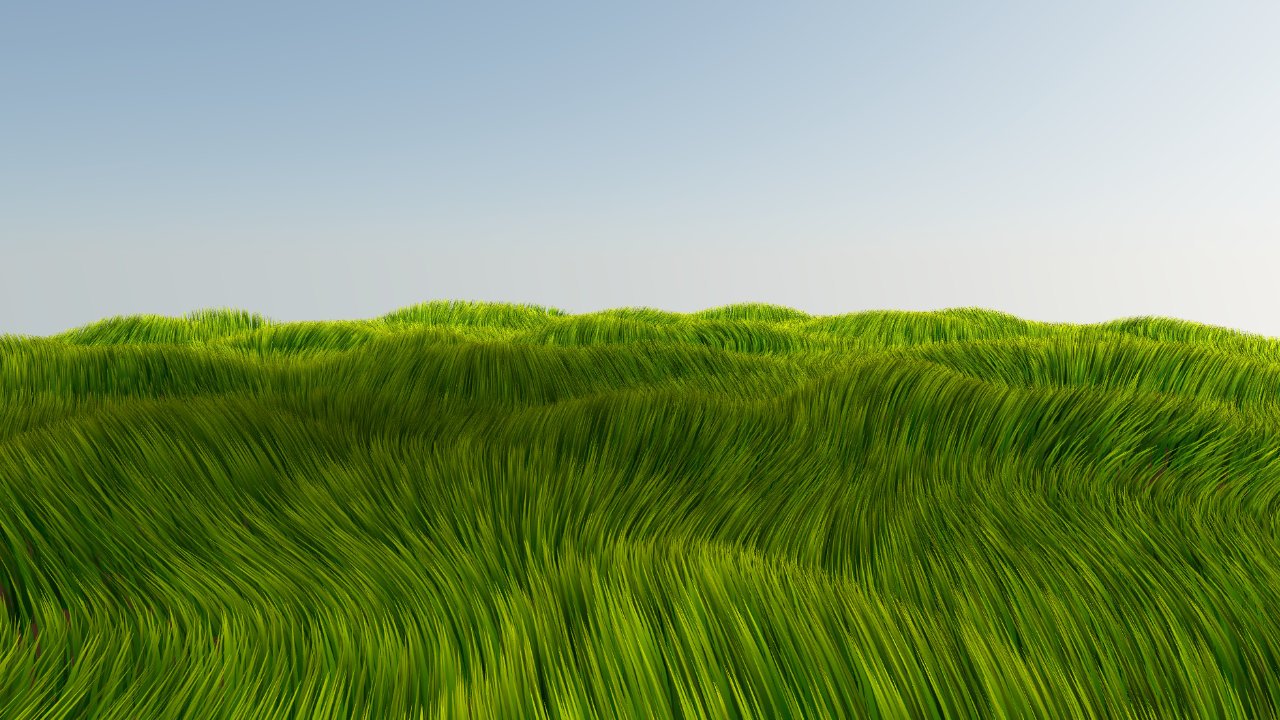
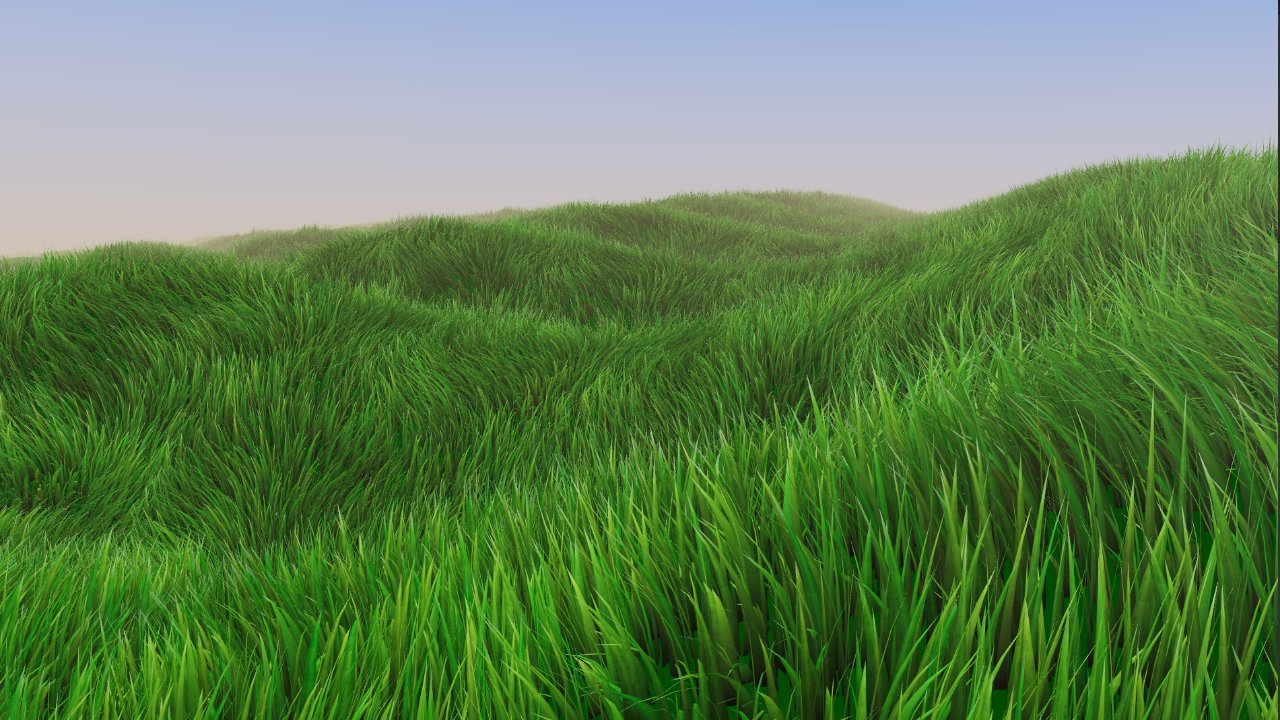
The WebGPU version from Part 2 looked much better, but I quickly ran into another problem. It looked good, but it did not scale. As soon as I started increasing the size of the grass field, performance started dropping. In a real-time scene, grass is also competing for the frame budget with everything else: water, trees, characters, particles, lighting, and whatever else the scene needs to render.

I needed to rethink how the entire field was organized. The goal was no longer just to render a lot of grass. I wanted a system that could cover a large world without making the size of that world directly determine how much work the grass renderer had to do.
The original Flowing Grass Fields system used one large combined geometry containing the entire grass field. Every blade was part of that geometry. That worked surprisingly well for the original experiment, but it became a problem once the field needed to change or grow. A large amount of blade geometry had to be generated up front, which increased both startup time and memory usage.
The first major change was moving to instancing. Instead of storing every blade as part of one enormous geometry, I could create one blade geometry and reuse it for many instances. The rendering performance was still in the same general range, but the memory requirements were much lower and the initial setup became considerably faster.
Instancing solved the geometry problem, but it did not magically make millions of blades free. The vertex shader was still doing a lot of work for every blade, including positioning, deformation, wind, and other visual effects. The more instances I added, the more work the GPU had to process.
That meant I needed another layer of organization. Instead of treating the entire grass field as one object, I needed smaller spatial units that could be managed independently.
The solution was to divide the grass field into smaller tiles. For example, a 10×10 layout gives me 100 separate spatial units that I can manage independently. Each tile represents a specific area of the world and can be shown, hidden, moved, or updated without having to deal with the entire field.
The important part is that I did not generate new geometry for every tile. I created one reusable piece of instanced blade geometry containing the number of blades needed for a tile at the chosen density, then reused that same geometry across the field. The geometry stays the same. What changes is where the tile is placed and what information is associated with it.
I also did not want to create a separate material for every tile. That would make the system more complicated and would defeat some of the benefits of having a shared rendering system. Instead, the entire field uses the same material and shader.
Tile-specific information can still be supplied to that shared material, allowing the shader to know where a tile belongs and apply the appropriate behavior. This gave me one material and one shader across the field while still allowing individual tiles to behave differently. That architecture also became useful later when adding things like different levels of detail and other tile-specific behavior.
This is also one of the ideas that eventually became part of the architecture behind Three.js Grassworks, where the goal was to turn these kinds of rendering decisions into a reusable system rather than rebuilding them for every project.
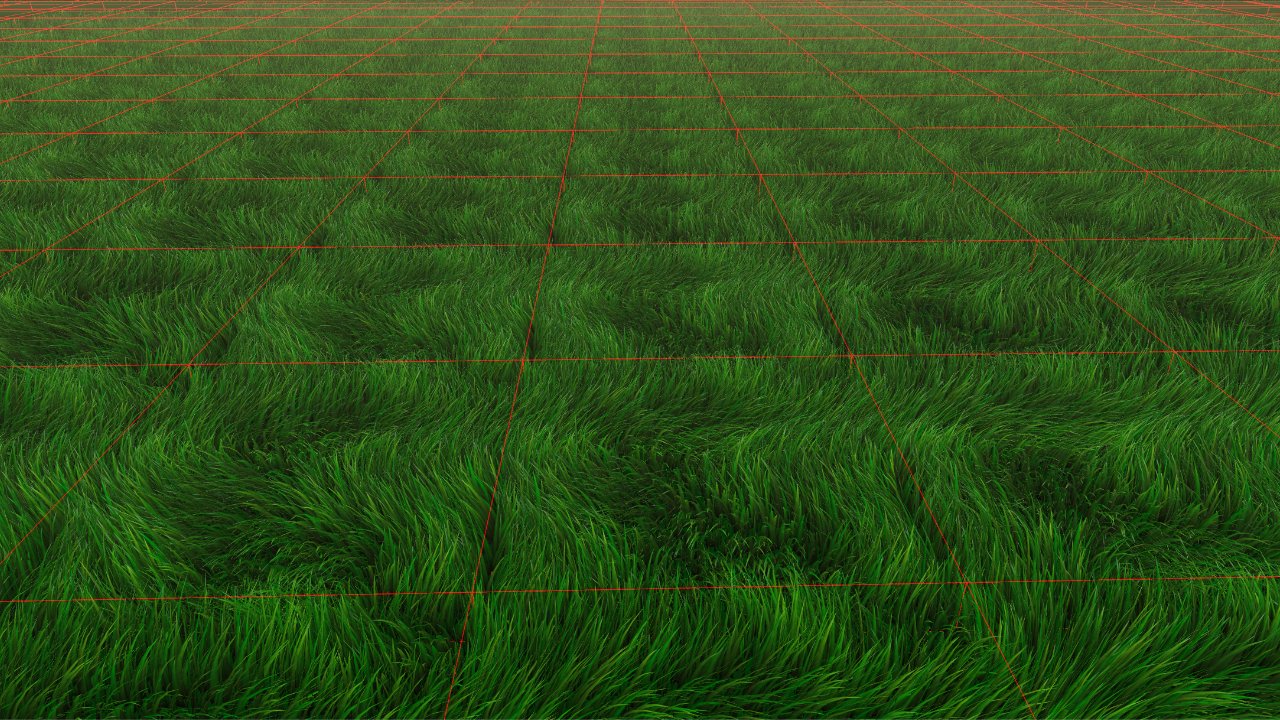
Grass field divided into tiles along with shared geometry and material.
There was an obvious visual problem with this approach. If every tile uses exactly the same geometry and behaves in exactly the same way, the field starts to reveal its structure. You can see the square boundaries and repeated patterns, which makes the whole thing look more like a collection of tiles than a continuous grass field.
I pushed more of the variation into the shader. The same reusable geometry could have different positioning, rotation, randomness, and visual properties depending on the tile it belonged to. This took several iterations because the positioning, shared geometry, tile information, and shader logic all had to work together without introducing obvious patterns. Eventually, the tiles stopped looking like separate pieces and started behaving like one continuous field.
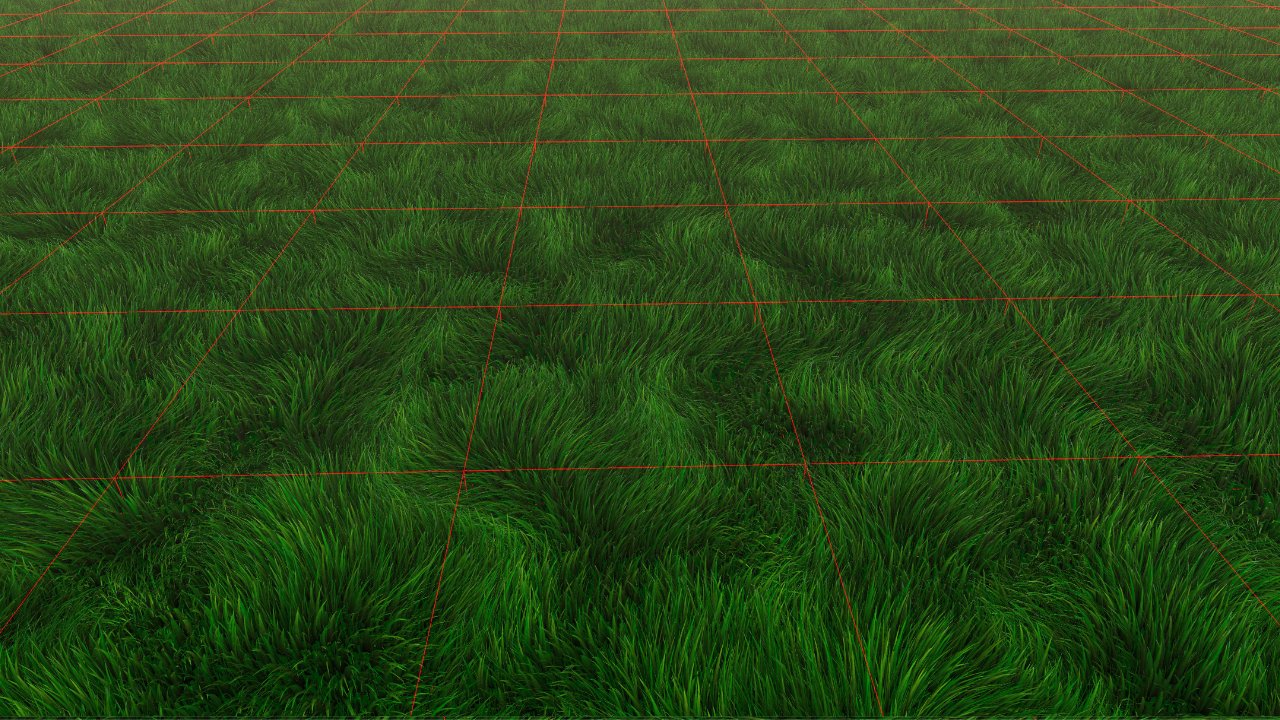
The same tiled grass field after shader-based randomness breaks up the repeated patterns.
Once the field was divided into tiles, I could finally start deciding which parts of it actually needed to be visible. The entire world could still be divided into tiles, but I did not need to render every one of them. I defined a maximum grass distance and checked each tile against that distance. Tiles inside the range remained visible, while tiles outside it were hidden.
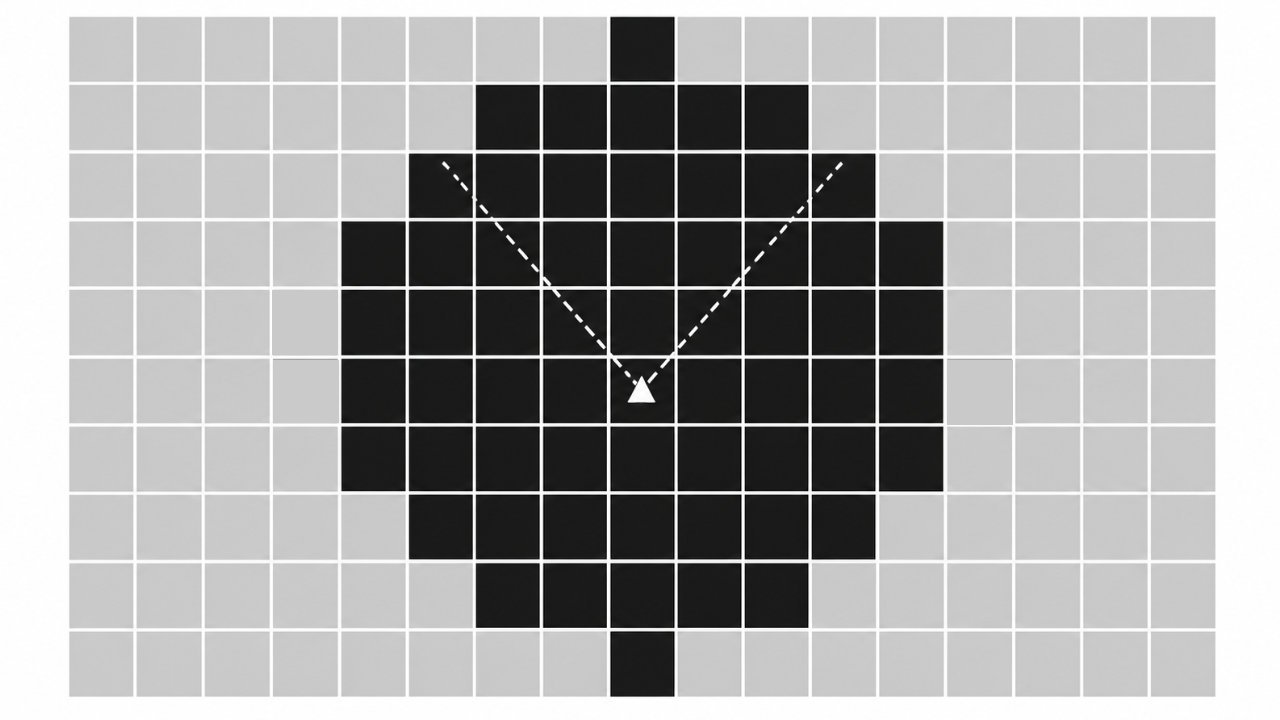
Only the tiles within the grass distance remain visible, while tiles beyond the distance are hidden.
Distance culling solved one problem, but it was not enough. A tile can be inside the maximum distance and still be completely outside the camera's view. There was no reason to keep rendering grass that was behind the camera or far outside the camera's frustum.
Combining distance culling with frustum culling meant that the system could cover a much larger area while only keeping the tiles that were actually relevant to the current view.
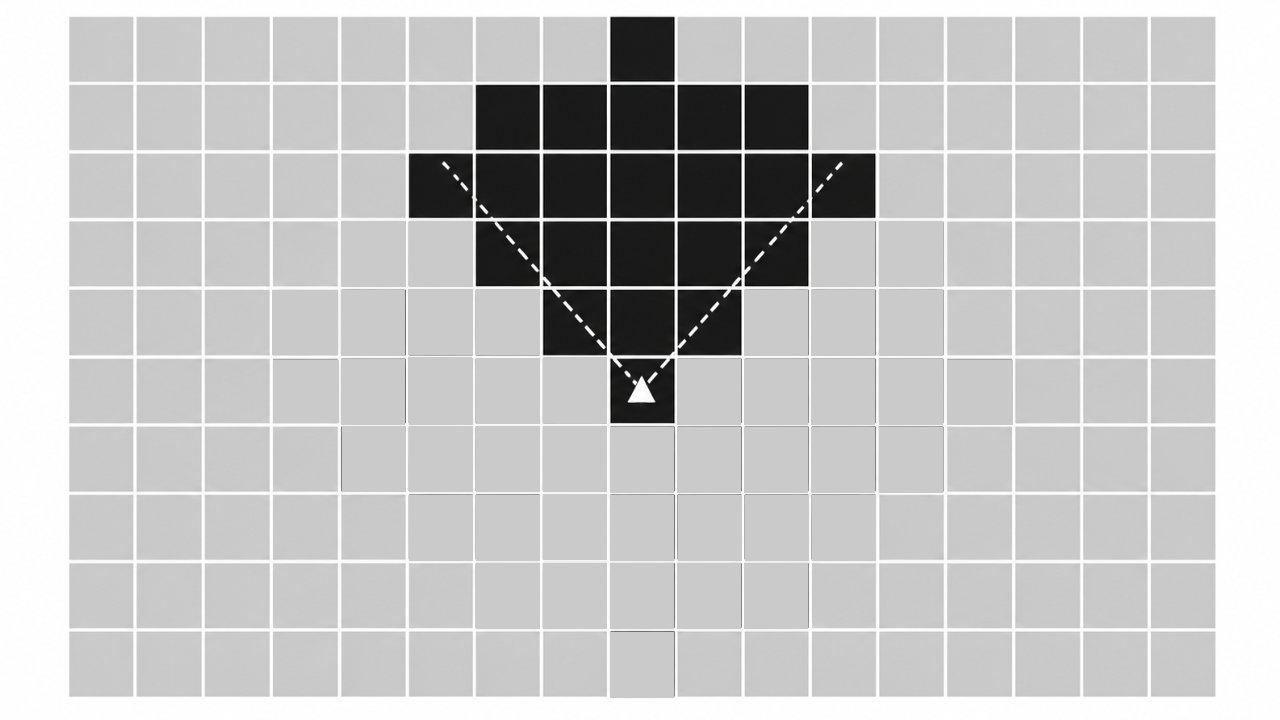
Only the tiles inside the camera frustum remain visible, while tiles outside the camera view are hidden.
The tiled system solved the rendering problem, but it introduced another one. If the terrain became larger, the number of tiles would also grow. A 1000×1000 tile layout would contain one million tiles. Even if almost all of them were hidden by distance and frustum culling, I would still have to keep checking them. A single distance check is cheap, but hundreds of thousands or millions of checks every frame quickly become expensive.
I did not want the size of the world to determine how much work the grass system had to do. Instead, I kept a fixed number of active tiles around the player and recycled them as the player moved. When the player moved forward, tiles that were now far behind could be repositioned ahead. When the player moved sideways, tiles could be shifted to the other side.
The tiles were not destroyed and recreated. I simply repositioned them and updated the associated data so the shader treated them as grass at their new location. Because the number of tiles being managed stayed roughly the same, the system could keep working even as the player moved through a much larger world. There was no practical end to the field.
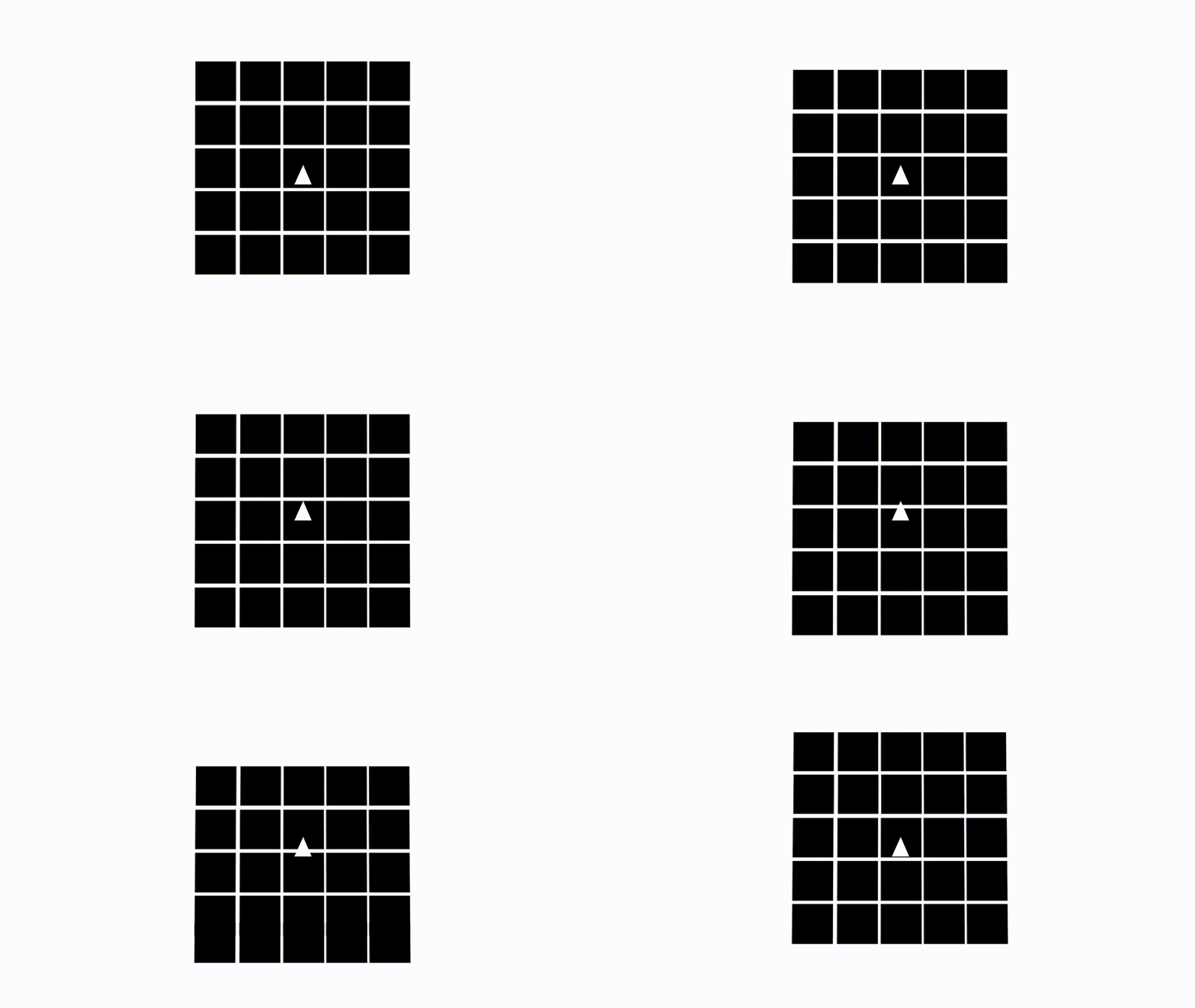
A fixed set of grass tiles is recycled and repositioned around the player as they move through the world.
At this point, the system could recycle a relatively small number of tiles to cover a much larger area, but I still had to make sure the player could not see that the field was being assembled from reusable pieces. The shared geometry and material were important, but the shader-side randomness and tile-specific information were what helped break up the repeated patterns.
This took quite a few iterations. I kept changing how the tiles were positioned, how their data was passed into the shader, and how the grass was randomized until the visible boundaries disappeared. Eventually, the system stopped looking like a collection of square pieces and started behaving visually like one continuous field.
This was a very different architecture from the original experiment. Instancing reduced the amount of geometry and memory required. Tiling gave me spatial units that could be managed independently. Distance and frustum culling removed grass that did not need to be visible. A shared material allowed all of the tiles to use the same shader while still carrying tile-specific information. And recycling the tiles meant the number of active grass objects no longer had to grow with the size of the world.
The grass could finally scale much further than the original system, but there was still a major problem. I was rendering essentially the same level of detail regardless of how far away the grass was. A blade close to the camera does not need to be represented in the same way as a blade hundreds of meters away. That was the next problem I had to solve, and it became the focus of the next stage of the system.
Read the previous part: From WebGL to WebGPU
Read the next part: Three.js Grass: Making LOD Work
 by the team at Tech Redux by the team at Tech Redux