
MENUMENUCLOSECLOSE
Stay Connected


Immersive Design • WebGL & Interaction • Studio Stories
15 Nov 2025
5 MIN READ 




At Tech Redux, we always aim for moments that feel alive. Our website already had a water environment in place, but something always felt incomplete. The surface looked beautiful, the lighting supported the mood, yet the water lacked presence. It felt passive. Almost like a visual placeholder rather than an active part of the experience. We had discussed adding interaction many times, but it kept getting pushed aside while other priorities took over.
When we began the redesign, we decided that this was the moment to finally bring that missing life to the water. Not through a heavy simulation or a high cost effect, but through a controlled and elegant motion system that supports the design instead of overpowering it.
This is how our custom water ripple simulation came to life.
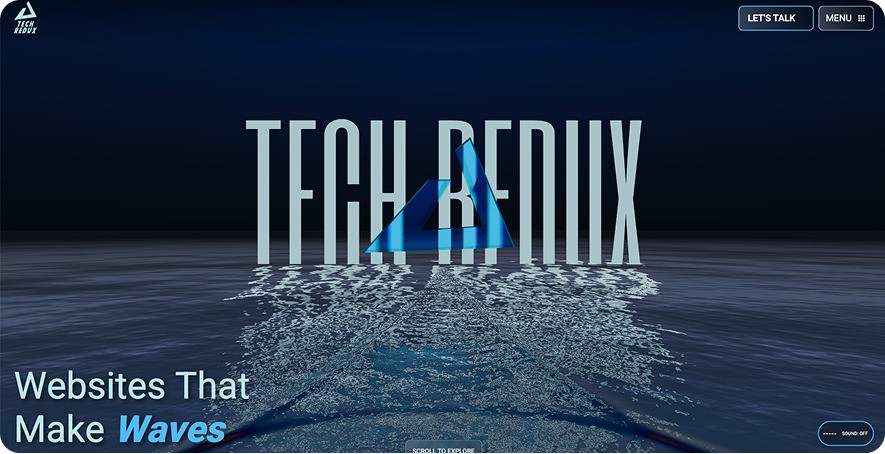
We wanted a simple question to guide the experience. What happens when design meets motion? For us, the answer was an interactive water surface that reacts to movement in a clean and natural way. It adds presence without taking attention from the content. It creates mood without distracting the user. It feels alive without becoming a gimmick.
The idea was not to simulate a full ocean. The idea was to give our homepage a responsive layer that reacts to the visitor and enhances the identity of Tech Redux.
The simulation is fully built with a fragment shader. No vertex movement, no geometry deformation, and no complex physics. This choice kept everything lightweight and let us blend it into our existing water shader without risking visual breaks or performance issues.
Here is the breakdown.
We created a custom ripple simulation shader that listens to mouse coordinates in real time. Each input produces a ripple that evolves over time. The result looks fluid, smooth, and never artificial.
The ripple simulation is processed first and written to a render target. This render target is then passed into the main water shader. The water shader merges the ripple data with its own distortion and lighting logic. This allows the ripples to appear completely native to the water that already existed on the site. Nothing is replaced. Everything is extended.
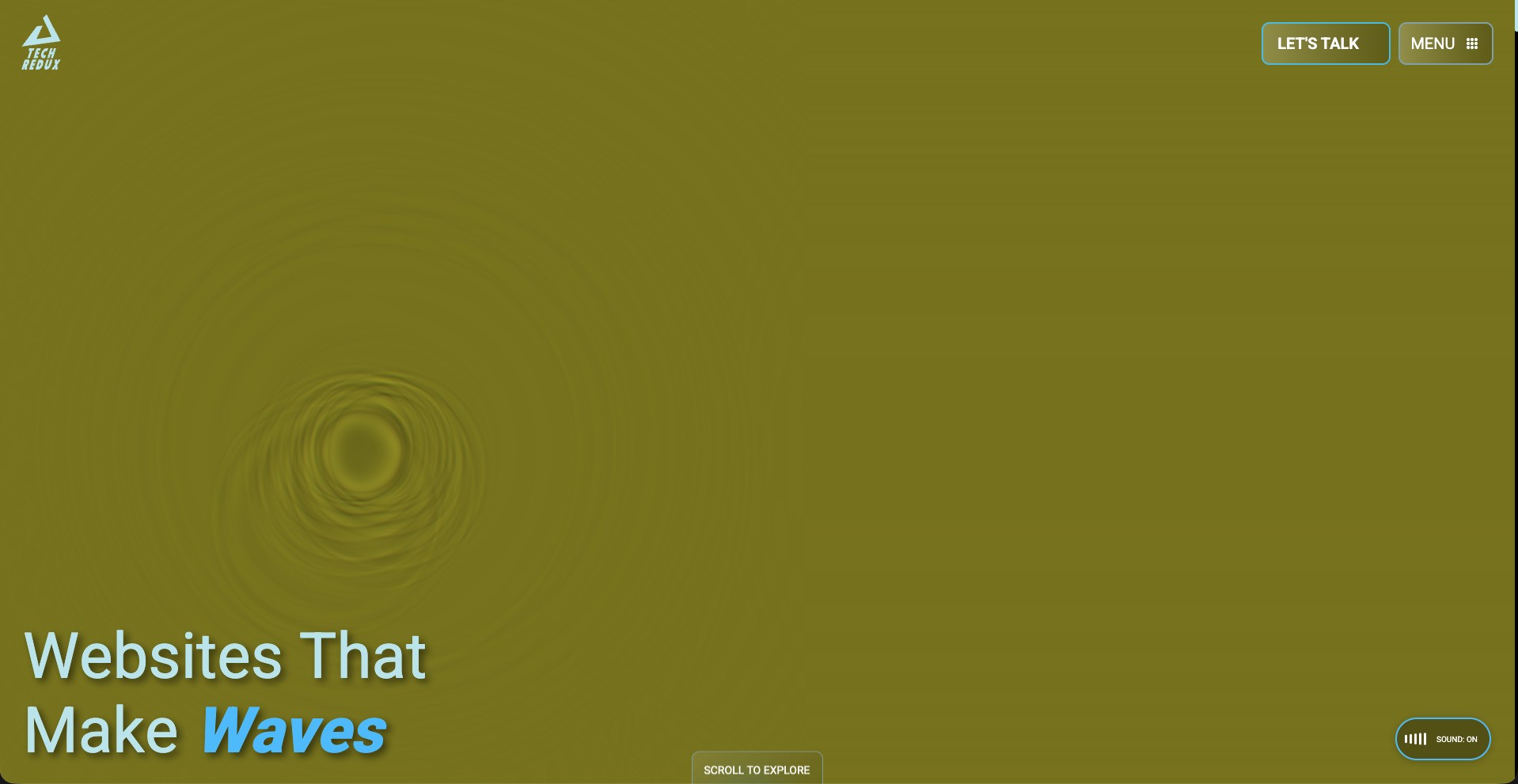
Ripple Simulation on Render Target
The water on our website covers a very large area. Simulating ripples over the entire surface would be expensive and would reduce sharpness. We solved this by running the simulation only inside a smaller area that sits directly under the camera view. To the user, it feels like the entire sea is reacting. In reality, we are only simulating a compact section and moving it with the camera. This keeps the effect sharp, clean, and highly optimized.
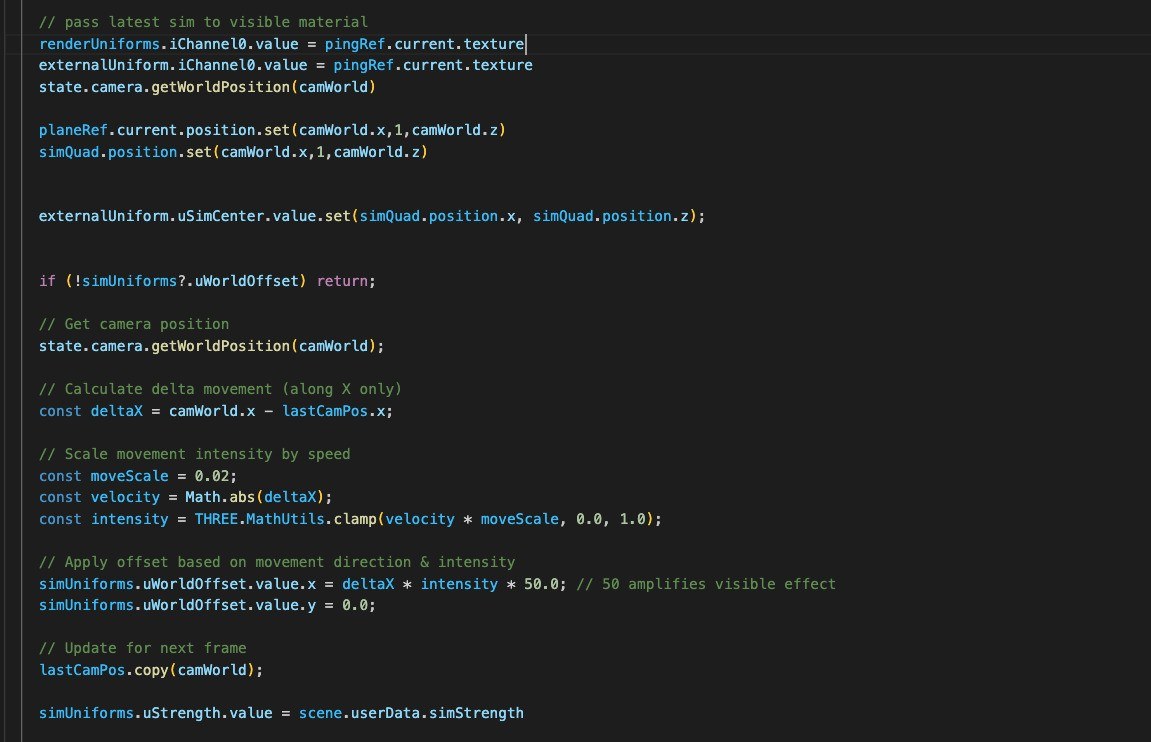
Code to move Ripple simulation with Camera
The entire effect is implemented at the fragment level. No vertex based simulation is used at all. This avoids geometry requirements and allows the effect to remain portable, visually consistent, and extremely performant.
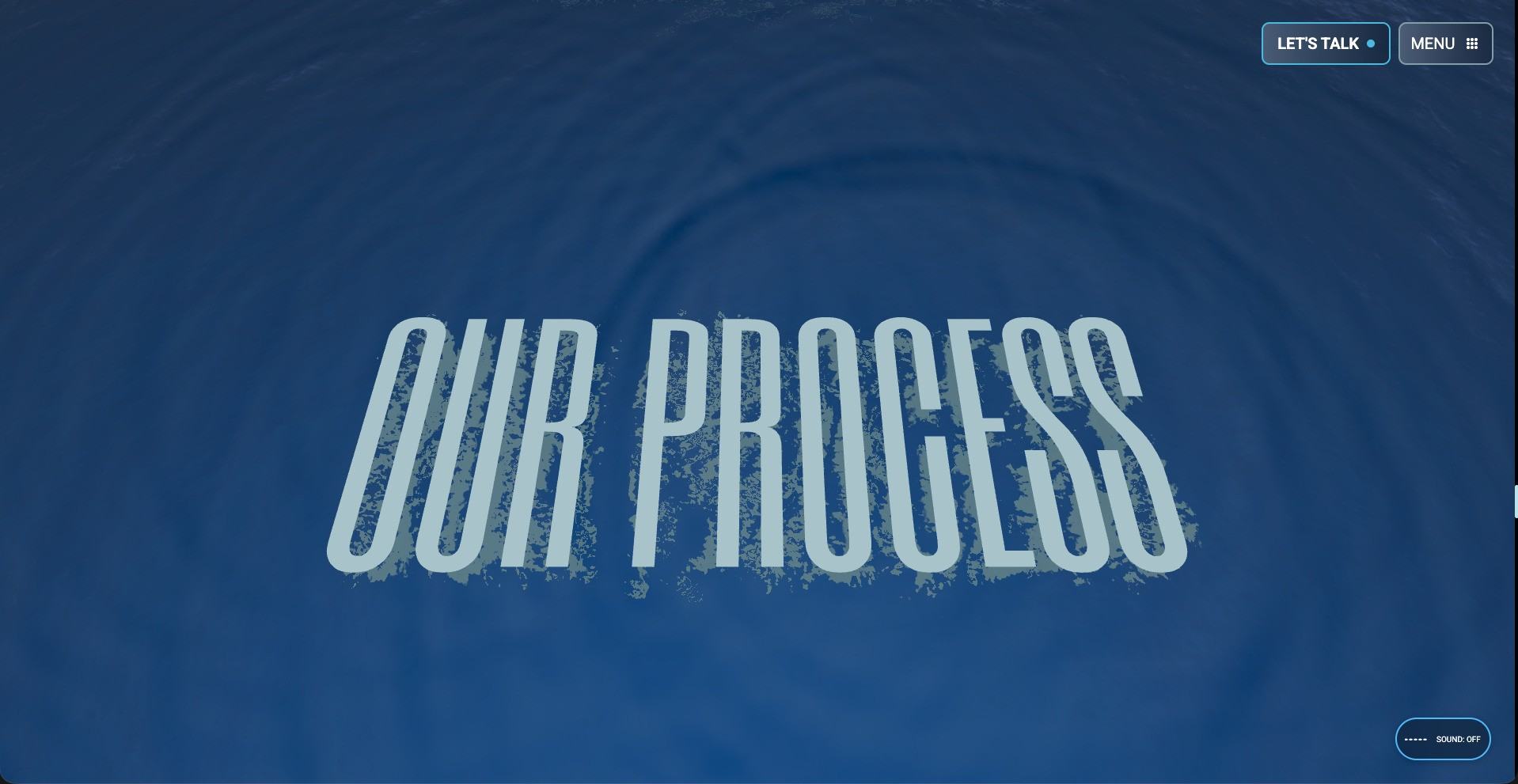
The final result is a smooth ripple interaction that blends with the look of the website. It reacts subtly. It supports the environment. It adds depth without fighting for attention. Most importantly, it completes the visual story of our homepage. The water no longer feels like a placeholder. It feels intentional and alive.
When design meets motion, everything gains presence. This ripple simulation is a small example of that idea, and a reminder of how subtle details can define an entire experience.
 Read
Read Read
Read by the team at Tech Redux by the team at Tech Redux